
Shopify
Why Custom-Coded Shopify Beats Page-Builders (A 2026 Speed & CRO Playbook for Indian D2C)
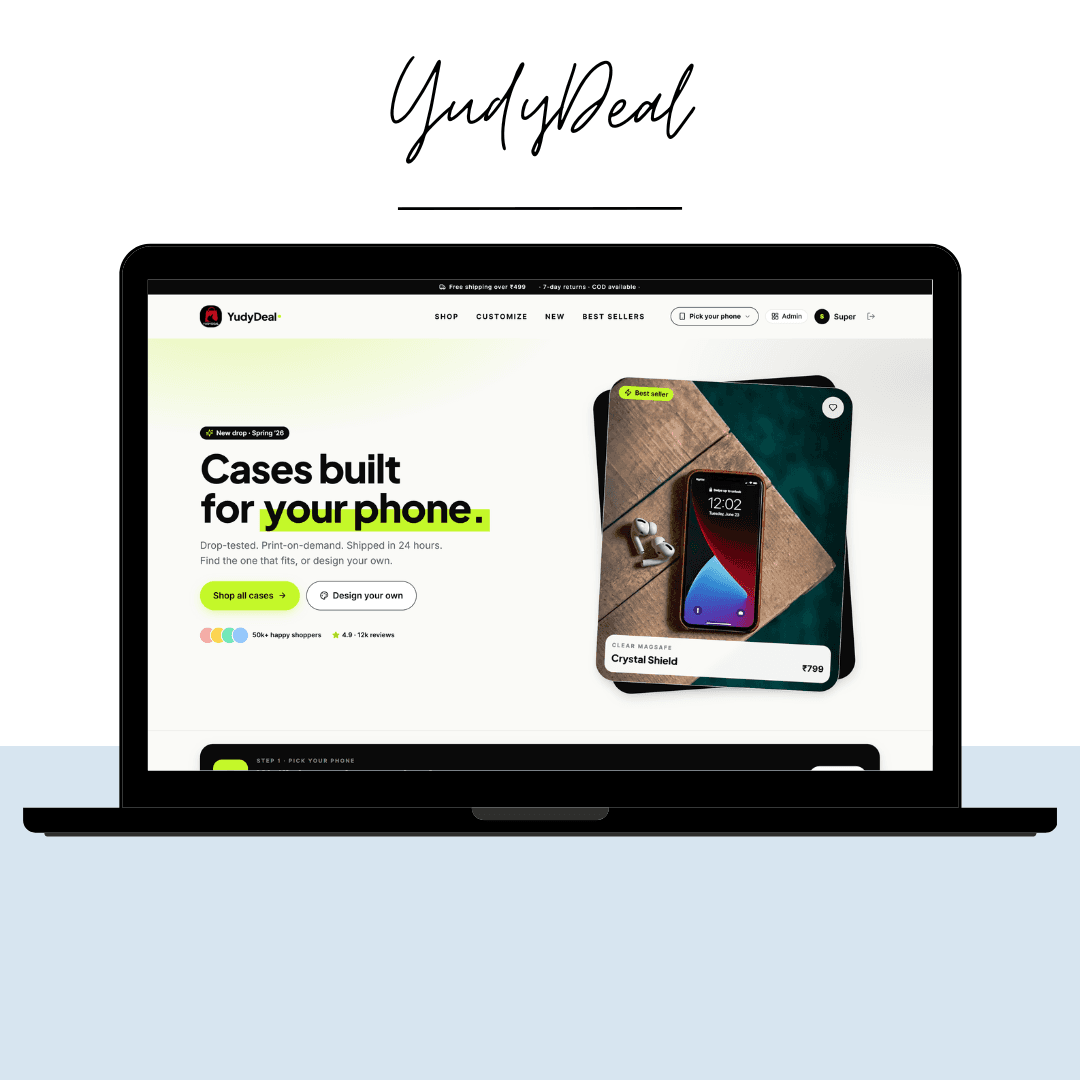
Most Indian D2C stores are built on drag-and-drop page-builders, and most of them are slow, bloated, and quietly leaking revenue. The convenience is real — but so is the cost: every extra second of load time and every clunky checkout step is conversions walking out the door. This is the playbook we use when we build a custom-coded Shopify store — what we do, why, and how you can apply it whether you hire us or not.
TL;DR — what actually moves revenue
- Speed: aim for sub-2s LCP on a real 4G phone — most stores sit at 4s+.
- Code over apps: every app you add ships more JS; custom Liquid replaces most of them.
- Theme: a lean custom theme beats a maxed-out page-builder template every time.
- PDP & checkout: the product page and cart are where CRO lives — not the homepage.
- Headless (Hydrogen): worth it only past a certain scale — we'll tell you when.
Page-builders vs custom-coded — the honest trade-off
Page-builders (the popular drag-and-drop theme editors and section apps) are great for getting live this week. The problem starts when the store grows: each section app injects its own CSS and JavaScript, themes accumulate dead code, and you end up paying a monthly fee for features a few lines of Liquid would handle natively.
A page-builder optimizes for how fast you can build. Custom code optimizes for how fast the store loads and how much it converts. Those are not the same goal.
Rule of thumb: if you're validating an idea, start on a clean stock theme. Once you're spending real money on ads, the math flips — a 1-second speed improvement on a store doing serious traffic pays for a custom build many times over.
Step 1 — Win the speed game
Speed is the single highest-leverage lever on a Shopify store, because it taxes every visitor and compounds with your ad spend. Here's where the seconds actually hide:
- App bloat — every app adds render-blocking scripts. Audit and remove anything not directly earning its keep.
- Unoptimized images — serve responsive sizes and modern formats (WebP/AVIF); lazy-load anything below the fold.
- Heavy themes — page-builder themes ship code for features you never use. A custom theme only ships what the store needs.
- Too many fonts & sliders — one font family, preloaded; kill carousel libraries on mobile.
How to measure it honestly
Don't trust the desktop score. Test on a throttled mobile profile and watch LCP (Largest Contentful Paint) and CLS (layout shift), not just the vanity number. Most stores we audit are 4–6s on mobile; the goal is under 2s.
Step 2 — Replace apps with Liquid
Apps are the silent killers of Shopify performance and margin. Before installing one, ask: can this be done in the theme? Things you almost never need an app for:
- Trust badges, size charts, and announcement bars.
- Simple upsells and “frequently bought together” blocks.
- Custom product-page tabs and metafield-driven content.
- Sticky add-to-cart and quantity-break pricing.
Each of these is a few hours of Liquid + a metafield — a one-time cost instead of a recurring subscription and a recurring performance tax.
Step 3 — Treat the PDP and checkout as the real funnel
Founders obsess over the homepage. But most paid traffic lands on a product page (PDP) and decides there. CRO tactics that consistently help:
- Above-the-fold clarity — price, key benefit, reviews, and add-to-cart visible without scrolling.
- Real social proof — photo reviews near the buy button, not buried at the bottom.
- Objection-handling copy — shipping, returns, and “will it work for me?” answered inline.
- Frictionless cart — sticky add-to-cart, a slide-out cart, and the fewest possible steps to checkout.
- Shopify-native checkout — lean on Shop Pay and one-tap flows; don't rebuild what already converts.
Step 4 — When to go headless (Hydrogen)
Headless Shopify — using Hydrogen (React) with the Storefront API — gives you total design freedom and app-store-grade performance. But it's not free: more engineering, more maintenance, and you give up some plug-and-play theme convenience.
Go headless when:
- You need a bespoke UX a Liquid theme genuinely can't express.
- You're at a scale where milliseconds map to meaningful revenue.
- You have (or are hiring) a team that can maintain a React storefront.
For most Indian D2C brands under serious scale, a lean custom Liquid theme hits 90% of the speed benefit at a fraction of the cost. Headless is a scale decision, not a default.
A pre-launch checklist you can steal
- LCP under 2s on a throttled mobile profile.
- Every installed app justified — or replaced with Liquid.
- Images responsive, modern-format, and lazy-loaded below the fold.
- PDP: price, reviews, and add-to-cart above the fold.
- Sticky add-to-cart + slide-out cart on mobile.
- Checkout tested end-to-end on a real phone, real network.
- Product, collection, and Organization schema in place for SEO.
- Analytics + events wired so you can actually see where carts die.
The bottom line
Page-builders get you live. Custom code keeps you fast and converting once real money is on the line. You don't have to rebuild everything at once — start by stripping app bloat and fixing the PDP, then graduate to a custom theme, and consider headless only when scale demands it.
Want a custom-coded Shopify store?
This is exactly what we build at MyDigitalEra — bespoke Liquid themes, headless Hydrogen builds, and conversion-tuned product pages, with no bloated page-builders. If you want us to audit your current store's speed and CRO leaks — free, no pitch — grab a slot below.
Free Shopify speed & CRO audit
We'll benchmark your store's load time and send a written fix-list.
